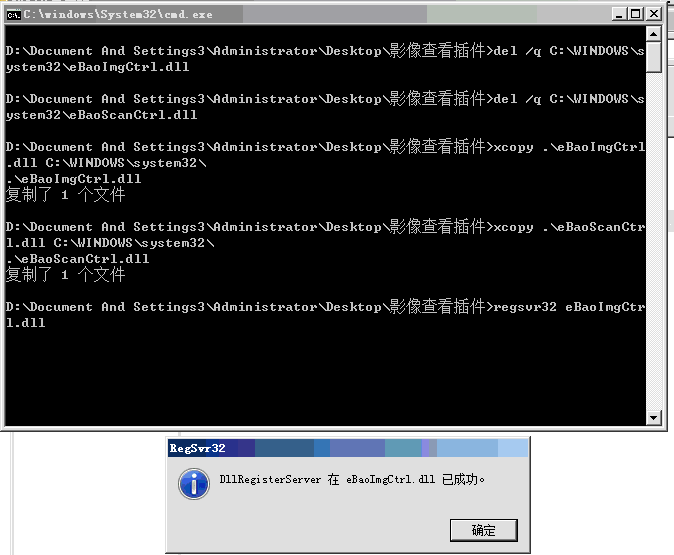
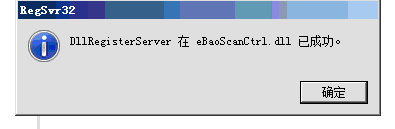
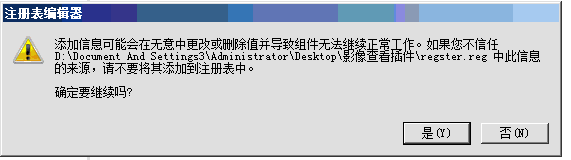
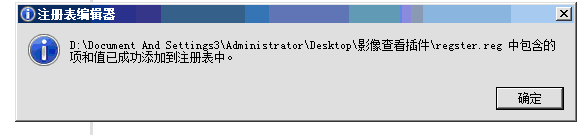
核心业务系统无法查看影像 核心业务系统影像查看空白 ##关闭IE浏览器## 1.进入\\10.82.1.22\标准安装软件\核心业务系统 复制“影像查看插件” 到本地 2.解压缩到桌面 3.右键点击“请点我,并一路确定.bat”以管理员身份运行并一路点击“确定”或“是”如下图 ![2019-04-01T09:40:21.png][1] ![2019-04-01T09:40:21.png][2] ![2019-04-01T09:41:23.png][3] ![2019-04-01T09:41:38.png][4] [1]: https://gdit.v2to.top/usr/uploads/2019/04/2531719101.png [2]: https://gdit.v2to.top/usr/uploads/2019/04/1045417555.png [3]: https://gdit.v2to.top/usr/uploads/2019/04/4027033530.png [4]: https://gdit.v2to.top/usr/uploads/2019/04/2897196896.png 核心业务系统无法查看影像核心业务系统影像查看空白关闭IE浏览器1.进入\10.82.1.22\标准安装软件\核心业务系统 复制“影像查看插件” 到本地2.解压缩到桌面3.右键点击“请点我,并一路确定.bat”以管理员身份运行并一路点击“确定”或“是”如下图 Last modification:April 1, 2019 © Allow specification reprint Support Appreciate the author Like If you think my article is useful to you, please feel free to appreciate